Touchless Visitor Check-In: Contactless Sign-In in 2026
Key Takeaways
- Touchless visitor check-in lets guests sign in using a QR code, a mobile device, or a pre-registration flow, instead of shared pens, clipboards, or kiosk-only entry.
- Contactless sign-in is useful for more than hygiene. It can also improve security, shorten lobby waits, simplify NDAs, and create cleaner visitor records.
- The best systems connect touchless check-in with host notifications, badge printing, access control, visitor logs, and the rest of your workplace tools.
A few years ago, contactless sign-in was often treated as a health and safety upgrade. In 2026, it’s more than that. It’s a cleaner, faster, and more reliable way to manage guests in a workplace where visitor expectations, security requirements, and hybrid office traffic have all changed.
What Is Touchless Visitor Check-In?
Touchless visitor check-in is a digital sign-in process that allows guests to register and check in without physically interacting with shared front-desk materials.
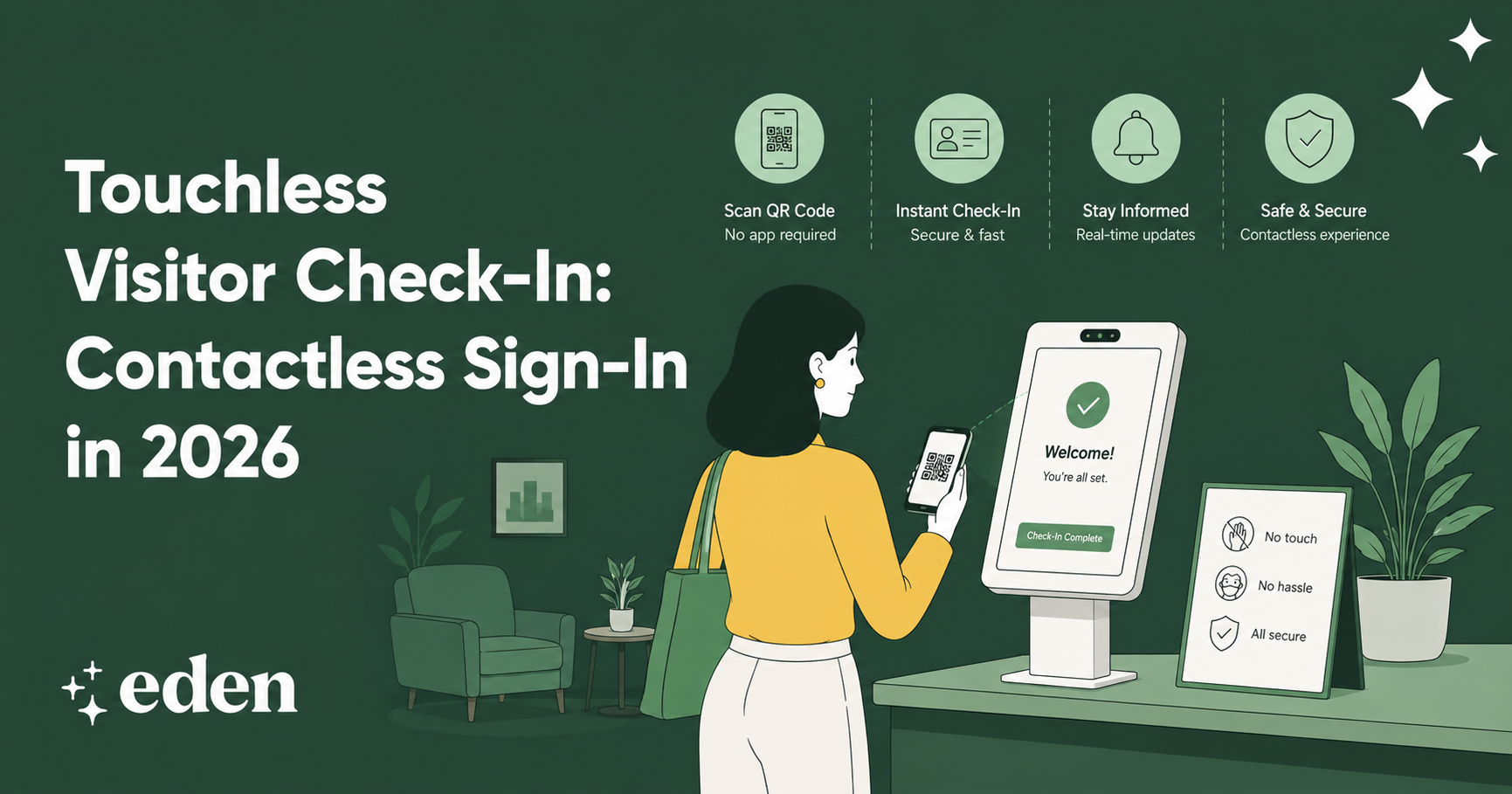
In practice, that might mean scanning a QR code in the lobby, completing check-in from a mobile phone, or confirming a visit through a pre-arrival link. The visitor can enter their information, select their host, sign required documents, answer custom questions, and complete the check-in flow from their own device.
Some offices still use a tablet kiosk as part of the process. The difference is that touchless check-in gives guests a no-contact option when they need or prefer it.
A strong touchless visitor management system does more than collect a name. It can notify the host, print or issue a badge, store signed documents, create a visitor log, support ID verification, and help admins see who is on-site in real time.
Why Contactless Sign-In Still Matters in 2026
The workplace conversation has moved beyond emergency-era safety measures, but touchless sign-in has stayed useful because it solves several everyday problems at once.
- First, it reduces friction. Visitors can move through check-in quickly, especially when they’re pre-registered. They don’t need to wait for someone to hand them a form or explain the process.
- Second, it improves consistency. A paper sign-in sheet depends on people writing legibly, remembering to sign out, and filling in the right fields. A digital flow can require the exact information your office needs every time.
- Third, it enhances the guest experience. Candidates, clients, vendors, contractors, and board members all get a clearer arrival process. That matters because the lobby is often the first real impression someone has of your workplace.
How Touchless Visitor Check-In Works
Touchless check-in usually starts before the guest arrives.
An employee pre-registers the visitor through a visitor management platform. The guest receives an email with visit details, directions, parking instructions, and any documents they need to review or sign. When they arrive, they scan a QR code or open a mobile check-in link.
From there, the guest confirms their information and completes the required steps. The system may ask them to sign an NDA, answer security questions, upload or scan an ID, or acknowledge workplace policies.
Once check-in is complete, the host receives an automatic notification via Slack, Microsoft Teams, email, or a mobile alert. If the office uses badges, the visitor can receive a printed badge or a digital credential, depending on the setup.
The admin side matters just as much. Workplace teams can review visitor logs, view expected arrivals, manage custom workflows, and access records when needed for audits, emergencies, or internal review.
With Eden’s visitor management system, touchless check-in connects to the broader workplace experience, so visitor arrivals do not sit in a separate, disconnected process.
Key Features To Look For in Touchless Check-In Software
Not every contactless sign-in tool does the same job. Some are simple sign-in apps. Others are full visitor management systems with built-in security, compliance, and workplace integrations.
QR Code Check-In
QR code check-in gives guests a simple way to start the process from their own phone. They scan the code in the lobby, complete the required steps, and notify their host without touching a shared device.
This is especially useful for busy lobbies, unmanned front desks, and offices that want to reduce check-in bottlenecks.
Pre-Registration
Pre-registration makes touchless check-in feel even smoother. Employees can add guests in advance, and visitors can receive the details they need before arriving. That means fewer questions at the front desk and less time spent figuring out who is expected in the office.
Custom Check-In Questions
A good system should let you customize the check-in flow based on visitor type. A job candidate may need experience different from that of a contractor, vendor, client, or delivery partner. Custom questions help your team collect the right information without making every guest complete unnecessary steps.
Digital Document Signing
Many offices need visitors to sign NDAs, waivers, safety acknowledgments, or policy documents. Touchless check-in should make that simple from a mobile device. Digital signatures also create cleaner records because signed documents can be stored with the visitor’s profile instead of sitting in a folder at the front desk.
Host Notifications
Once a visitor checks in, the host should know immediately. Automatic notifications through Slack, Microsoft Teams, or email reduce lobby wait times and help employees take ownership of their guests. This small automation can remove a surprising amount of front-desk coordination from the workday.
Badge Printing and Visitor Logs
Touchless does not mean invisible. Offices still need to know who is on-site and why they’re there. Badge printing, photo capture, and searchable visitor logs help maintain workplace visibility while keeping the sign-in process simple for guests.
Where Touchless Check-In Helps Most
Touchless visitor check-in is useful for almost any office, but some environments benefit more quickly.
Hybrid offices are a natural fit because visitor traffic can be uneven. A lobby may be quiet on Monday and full of candidates, vendors, and client meetings on Wednesday. A consistent check-in process helps the office stay prepared.
Multi-location companies also benefit from contactless sign-in, which can standardize the visitor experience across offices. Each location can follow the same core process while still customizing workflows for local needs.
Healthcare-adjacent and regulated workplaces may use touchless check-in to collect required acknowledgments, manage contractor visits, and keep clearer visitor records.
Unmanned or lightly staffed lobbies are another strong use case. A visitor can check in without waiting for a receptionist, and the host still receives the information they need.
Touchless Check-In vs. Paper Sign-In Sheets
A paper sign-in sheet is simple, but it has limits. It can’t notify a host, confirm whether an NDA was signed, show who is in the building right now, recognize returning visitors, route different guest types through different workflows, or produce clean reports for review.
It also creates a weaker guest experience. Visitors may not know what to write, where to wait, or whether anyone knows they’ve arrived.
Touchless check-in solves those gaps by turning sign-in into a connected workflow. The guest gets a clearer path. The host gets an alert. The admin team gets a record. The office gets a more reliable process.
A clipboard can collect names. A visitor management system can manage the visit.
How To Measure ROI
The ROI of touchless visitor check-in usually shows up in time saved, better records, and a smoother guest experience.
Start with front-desk interruptions. How often does someone stop what they’re doing to notify hosts, collect signatures, answer visitor questions, or track down delivery information? Automating those steps can save hours over time.
Then look at visitor wait times. Faster check-in and automatic host notifications can reduce the amount of time guests spend standing in the lobby.
Security and compliance matter too. Digital visitor logs, signed documents, and real-time on-site records make it easier to answer basic but important questions: Who visited today? Who signed the NDA? Who was in the building during an emergency?
For multi-location companies, ROI also comes from consistency. One standardized process is easier to manage than a patchwork of local front-desk habits.
How Eden Supports Touchless Visitor Check-In
Eden helps teams create a modern visitor experience without adding more manual work to the front desk.
Visitors can be pre-registered before they arrive, check in at a branded kiosk or through a touchless flow, sign required documents, and trigger automatic host notifications via Slack, Microsoft Teams, or email. Admins can manage visitor logs, customize check-in questions, print badges, and review records from one connected platform.
Eden also connects visitor management with other workplace tools, including desk booking, room scheduling, and delivery management.
Touchless check-in is not just about avoiding shared surfaces. It’s about giving every visitor a clearer arrival experience and giving your team a better way to manage the workplace.
FAQs
What Is Touchless Visitor Check-In?
Touchless visitor check-in is a contactless sign-in process that lets guests register via a QR code, a mobile device, or a pre-arrival link. Visitors can enter their information, sign documents, answer questions, and notify their host without using a shared clipboard or front-desk form.
Is Touchless Check-In Only for Health and Safety?
No. Health and safety can be part of the value proposition, but touchless check-in also improves speed, security, documentation, and the visitor experience. It helps teams maintain cleaner records, automatically notify hosts, reduce front-desk interruptions, and create a more modern lobby experience.
Do Visitors Need To Download an App?
In most cases, no. A strong touchless visitor check-in system should allow guests to scan a QR code or open a mobile-friendly link in their browser. That keeps the experience simple, especially for clients, candidates, vendors, and contractors who may only visit once.
Can Touchless Check-In Work With Badge Printing?
Yes. A visitor can complete check-in on their own device, and the office still prints a badge after they arrive. The badge can include their name, photo, company, host, and visit details, helping the office maintain visibility without requiring a manual sign-in process.
Sources:
Understanding NDAs: Key Benefits and Drawbacks | Investopedia
Global Indicator: Hybrid Work | Gallup
Summary of Responsibilities During Building Evacuations | Claremont McKenna College