Office Hoteling Software: A Buyer’s Guide for Workplace Leaders
Key Takeaways
- Office hoteling software helps employees reserve desks, rooms, and shared workspaces before they come into the office.
- The right platform should include floor plans, desk and room booking, integrations, usage analytics, and admin controls.
- For most hybrid teams, office hoteling works best when it gives employees predictability without locking the workplace into a rigid seating plan.
Some employees come in for team meetings. Some need a quiet desk between client calls. Some visit once a week and want to sit near the people they came in to see. Others need a conference room, a phone booth, and a desk on the same day. That’s where office hoteling software comes in.
It gives workplace leaders a way to manage flexible space without turning every office visit into a guessing game. Employees know where they’re going. Admins know what’s being used. And the office starts to work more like the people inside it.
What Is Office Hoteling Software?
Office hoteling software is a workplace tool that lets employees reserve shared office space in advance. That can include desks, conference rooms, phone booths, huddle spaces, neighborhoods, and other bookable areas.
The name comes from the hotel model. Instead of owning the same room forever, you reserve the space you need for as long as you need it.
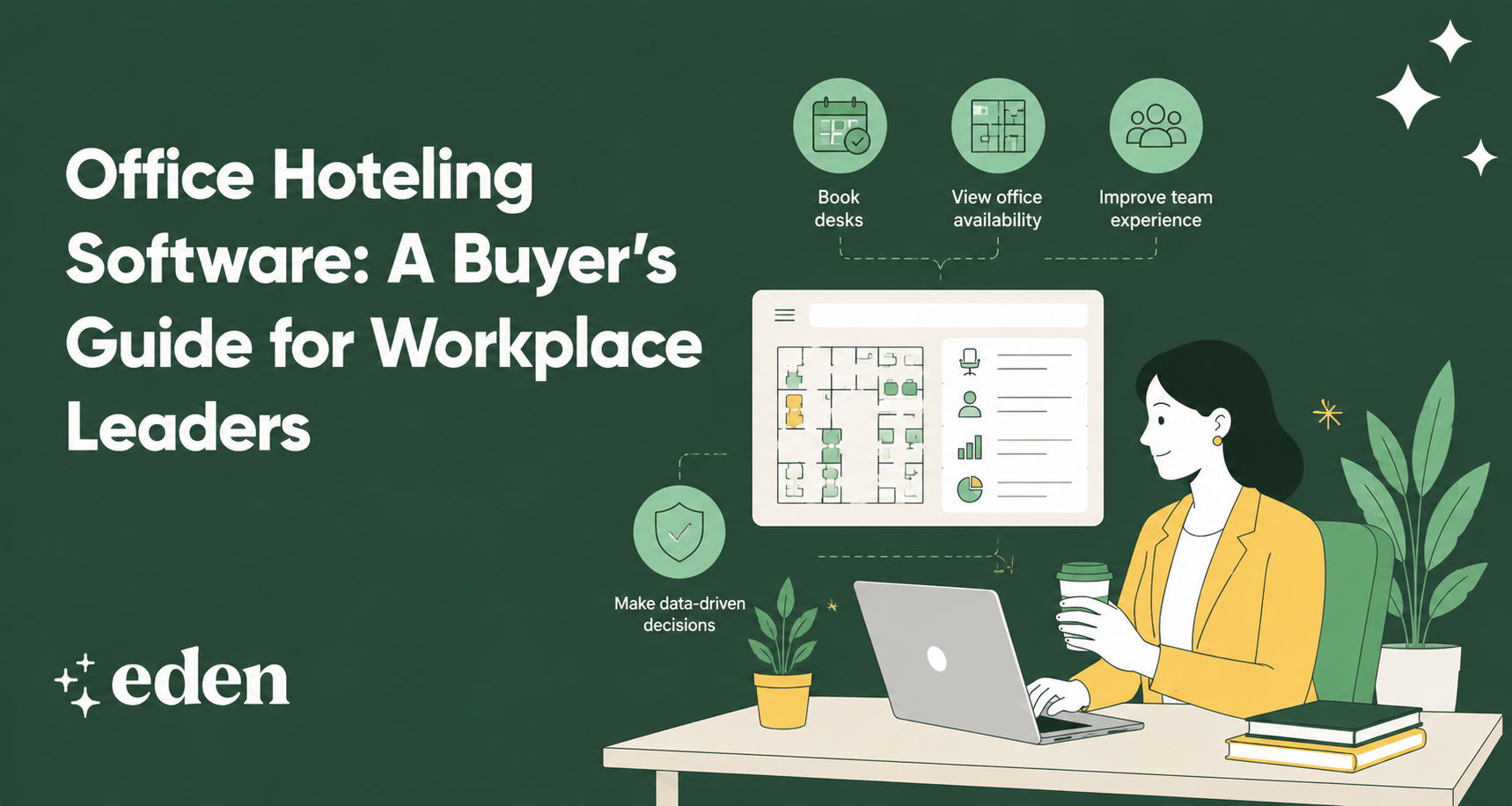
In an office, that means an employee can open an app, view the floor plan, choose a desk near their team, book a meeting room for later, and know exactly where they’re headed before they commute.
Why Workplace Leaders Are Investing in Office Hoteling
Office hoteling software has become more important because hybrid work has made office attendance less predictable.
A company may have 200 employees, but only 90 come into the office on a typical day. That creates a real question: How much space does the company actually need, and how should that space be arranged? Without a system, the answer is usually guesswork.
Office hoteling software helps workplace teams understand who is coming in, which areas are most used, which spaces are empty, and where employees prefer to work. It also gives employees the confidence to come in without wondering whether they’ll find a desk.
For leaders managing office experience, real estate costs, and employee expectations simultaneously, visibility matters.
Core Features To Look For in Office Hoteling Software
The best office hoteling software should make the office easier for employees and more manageable for admins.
These features should be evaluated first:
Floor Plan Booking
A list of desk names is not enough. Employees should be able to see the office floor plan, understand where desks and rooms are located, and book the space that fits their day.
A visual floor plan helps people choose based on team proximity, amenities, neighborhoods, and convenience. This is especially useful in larger offices where “Desk 4B” means very little on its own.
Desk and Room Reservations
Office hoteling software should support more than individual desks. Employees often need a desk and a room on the same day, especially when they come in for collaboration.
A connected platform makes that easier. With Eden’s desk booking software and room scheduling tools, teams can manage flexible workstations and meeting spaces from one workplace system.
Office Neighborhoods
Office neighborhoods let teams sit near the people they work with most without assigning every person a permanent desk. This is one of the most useful features for hybrid workplaces.
Employees get flexibility, but they still have a familiar area to return to. Teams can stay connected without rebuilding a traditional seating chart.
Employee-Friendly Booking
If the booking process feels like extra work, adoption will suffer. Look for software that lets employees book from the tools they already use, such as Slack, Microsoft Teams, mobile, or the web.
The fewer steps it takes to reserve a workspace, the more likely employees are to use the system consistently.
Check-In and No-Show Management
A reserved desk or room that nobody uses still creates waste. Good office hoteling software should include check-in and no-show rules.
If an employee doesn’t check in within a set window, the space can return to the available pool. That keeps the system accurate and helps other employees find open space.
Usage Analytics
Analytics are where office hoteling becomes more than a scheduling tool. Workplace leaders should be able to see occupancy patterns, popular office days, most-used desks, underused rooms, and neighborhood demand.
Those insights can guide real estate decisions, office layout changes, and future workplace policies.
Integrations
Office hoteling should connect with the rest of the workplace stack. Important integrations may include Slack, Microsoft Teams, Google Calendar, Outlook, SSO providers, access control systems, employee directories, and visitor management tools. A connected system reduces manual work and enables the office to run from a single source of truth.
Common Buying Mistakes To Avoid
One common mistake is choosing software only for admins. Admin controls matter, but employees are the ones who need to use the tool every week. If the employee experience is clunky, people will go back to Slack messages, spreadsheets, and informal desk claiming.
Another mistake is buying a point solution that only solves one problem. Desk booking is useful, but it often overlaps with room scheduling, visitor management, deliveries, and internal workplace requests. If each function lives in a separate tool, the workplace team ends up managing tool sprawl instead of simplifying the office.
Finally, avoid choosing a platform without strong analytics. If the software can’t show how space is used, it won’t help much when it’s time to rethink your lease, redesign a floor, or explain whether hybrid policies are working.
Why Eden Is Built for Office Hoteling
Eden gives workplace teams one connected platform for flexible office management.
Employees can reserve desks, book meeting rooms, see where teammates are sitting, and plan their office days from familiar tools like Slack, Microsoft Teams, web, or the Eden app. Admins can create office neighborhoods, manage bookable and assigned desks, review usage analytics, and connect office hoteling with visitor management and other workplace workflows.
That flexibility helps teams avoid getting locked into one model. Your office can support hot desking, desk hoteling, neighborhoods, room booking, or a mix of all four as your hybrid policy evolves.
Office hoteling works best when it feels simple for employees and strategic for leaders. Eden is built for both.
FAQs
What Is the Difference Between Office Hoteling and Desk Hoteling?
Desk hoteling usually refers to reserving individual workstations. Office hoteling is broader and can include desks, conference rooms, phone booths, collaboration areas, and other shared spaces. In practice, many teams use the terms interchangeably, but office hoteling typically refers to the full workplace reservation system.
Is Office Hoteling the Same as Hot Desking?
Not exactly. Hot desking often means employees choose a desk from the available ones when they arrive. Office hoteling is usually reservation-based, allowing employees to book spaces in advance. Many hybrid offices use both models, depending on attendance patterns and employee preferences.
Who Needs Office Hoteling Software?
Office hoteling software is useful for hybrid companies, multi-location teams, and offices with more employees than assigned desks. It’s also helpful when employees need to reserve different types of spaces, including desks, rooms, booths, and neighborhoods.
How Much Does Office Hoteling Software Cost?
Cost depends on the number of users, desks, locations, features, and integrations. Some platforms price by user, desk, room, or location. The most useful pricing conversation starts with your workplace model: how many people come in, what spaces they need, and what data your team needs to manage the office well.
Sources:
Study finds hybrid work benefits companies and employees | Stanford University
Global Indicator: Hybrid Work | Gallup
2025 Global Workplace Survey | Gensler Research Institute
2025 Americas Office Occupier Sentiment Survey | CBRE