How To Create an Office Visitor Policy (7 Rules + Free Template)
.png)
Key Takeaways
- An office visitor policy sets one clear path for every guest: how they register, who hosts them, where they can go, and what happens to their information afterward.
- The seven rules below cover visitor types, pre-registration, check-in data, hosting, badges and access, documents, emergency procedures, and data retention.
- You can copy the free template further down this article, fill in the bracketed fields, and have a draft ready for review this week.
A candidate arrives 15 minutes early for an interview. The front desk is empty because the office manager is upstairs coaxing a projector back to life. The candidate signs a paper notebook that has been sitting on the counter since 2019, takes a seat, and quietly wonders whether anyone knows they are here.
Nothing went wrong, exactly. But nothing went well, either. An office visitor policy turns that moment into a good one: a short written agreement about how guests arrive, who takes care of them, and what happens to the details they leave behind.
What Should Your Visitor Policy Cover Before Anyone Arrives?
The first four rules deal with everything that happens before a guest walks through the door. Get these right, and the arrival itself becomes almost boring, which is exactly what you want.
1. Define Who Counts as a Visitor
Candidates, clients, contractors, delivery drivers, auditors, and a friend meeting someone for lunch are all visitors and require different handling. A contractor may need a safety acknowledgment. A candidate needs a quiet place to wait. A delivery driver may not need to come past the lobby at all.
List your visitor types in the policy, then note which ones require advance approval, an escort, or a signed document. Every rule that follows gets simpler once those categories exist.
2. Require Pre-Registration for Expected Guests
Ask hosts to register expected guests in advance rather than announce them at the door. Pre-registration gives your team a heads-up, shortens the check-in itself, and produces a reliable record of who is coming and why.
It also makes the arrival feel intentional. The guest gets directions, parking notes, and a check-in link before they leave home, and the front desk knows their name before they say it.
3. Decide Exactly What You Collect at Check-In
Every field you add to a check-in screen is information you now have to protect. Longstanding federal privacy guidance for businesses makes the same point: collect only what you genuinely need, secure what you keep, and dispose of the rest.
For most offices, a name, a company, a host, and a timestamp are plenty. Photos, ID scans, and vehicle details belong in the policy only when you can name the reason they are there.
4. Say Who Hosts, and What Hosting Actually Means
Name the host in the policy and give the role real content. A host confirms the visit, meets their guest in the lobby, stays with them in restricted areas, and checks them out when the visit ends.
That last step is the one people forget. Without it, your visitor list slowly fills with people who left hours ago, and the record stops being useful precisely when you need it most.
What Should the Policy Say Once a Guest Is Inside?
The second set of rules covers the visit itself, plus the part nobody thinks about until an audit: what happens to the data afterward.
5. Match Badges and Access to the Visit
A visitor badge should say who the person is, who is hosting them, and how long the badge is good for. Color coding by visitor type helps employees tell an escorted contractor from a guest who is free to move around.
Access limits deserve a sentence of their own. Unauthorized entry and insider access are recognized physical security risks for any occupied facility, and a visitor record is a standard control in the federal control catalog that many security frameworks follow. Write down which areas are open to visitors, which need an escort, and which are closed.
6. Handle Required Documents at the Door
NDAs, safety acknowledgments, insurance certificates, and site rules all belong in the check-in flow rather than in someone's inbox. Attach the document to the visitor type so it appears automatically, then store the signed copy with the visit record.
Handling paperwork at the door protects the agreement and the guest's time. Nobody has to hunt for a printer while a client waits in the lobby.
7. Write the Emergency Procedure Into the Policy
OSHA's rule for emergency action plans requires procedures to account for everyone after an evacuation, and a live visitor list is how you extend that count beyond your own team. Federal preparedness guidance recommends the same approach for site-specific response plans.
Specify in the policy who pulls the current visitor list, where the printed backup is stored, and who is responsible for guests at the assembly point. Then practice it during your next drill, with a guest signed in.
Free Office Visitor Policy Template
Copy the text below into your own document, replace the bracketed fields, and share it with legal and security for review. It is deliberately short because a policy people read is worth more than a policy people scroll past.
Purpose. [Company] welcomes visitors and wants every guest to have a safe, straightforward arrival. This policy explains how visits are arranged and what we ask of hosts and guests.
Scope. This policy applies to all non-employees entering [Company] offices, including clients, candidates, contractors, vendors, delivery personnel, and employees' guests.
Visitor types and requirements. [List each type, plus any escort, approval, or document requirement.]
Pre-registration. Hosts register guests at least [24 hours] in advance through [system]. Guests automatically receive arrival instructions and a check-in link.
Check-in. All visitors check in on arrival and provide [name, company, host]. Visitors receive a badge valid for [the day of the visit].
Host responsibilities. The host greets the guest at [location], escorts them in [restricted areas], remains reachable during the visit, and checks the guest out when the visit ends.
Access. Visitors may access [public areas]. Access to [restricted areas] requires an escort. [Listed areas] are closed to visitors.
Documents. [Visitor type] signs [document] at check-in. Signed copies are retained with the visit record.
Emergencies. In an evacuation, hosts escort their guests to [assembly point]. [Role] retrieves the current visitor list and confirms all guests are accounted for.
Data retention. Visitor records are stored in [system] for [number] days, accessible to [roles], and deleted on that schedule.
Questions. Contact [name or team] at [email].
How Do You Get People To Actually Follow the Policy?
A visitor policy succeeds or fails based on how easy it is to comply with. If registering a guest takes four minutes and three tabs, hosts will keep walking people past the front desk, and your log will keep drifting away from reality.
That is the practical case for putting the policy into a visitor management system rather than a shared doc. The rules become defaults: the right document appears for the right visitor type, the host gets a notification the moment their guest arrives, and check-out happens without anyone remembering to do it.
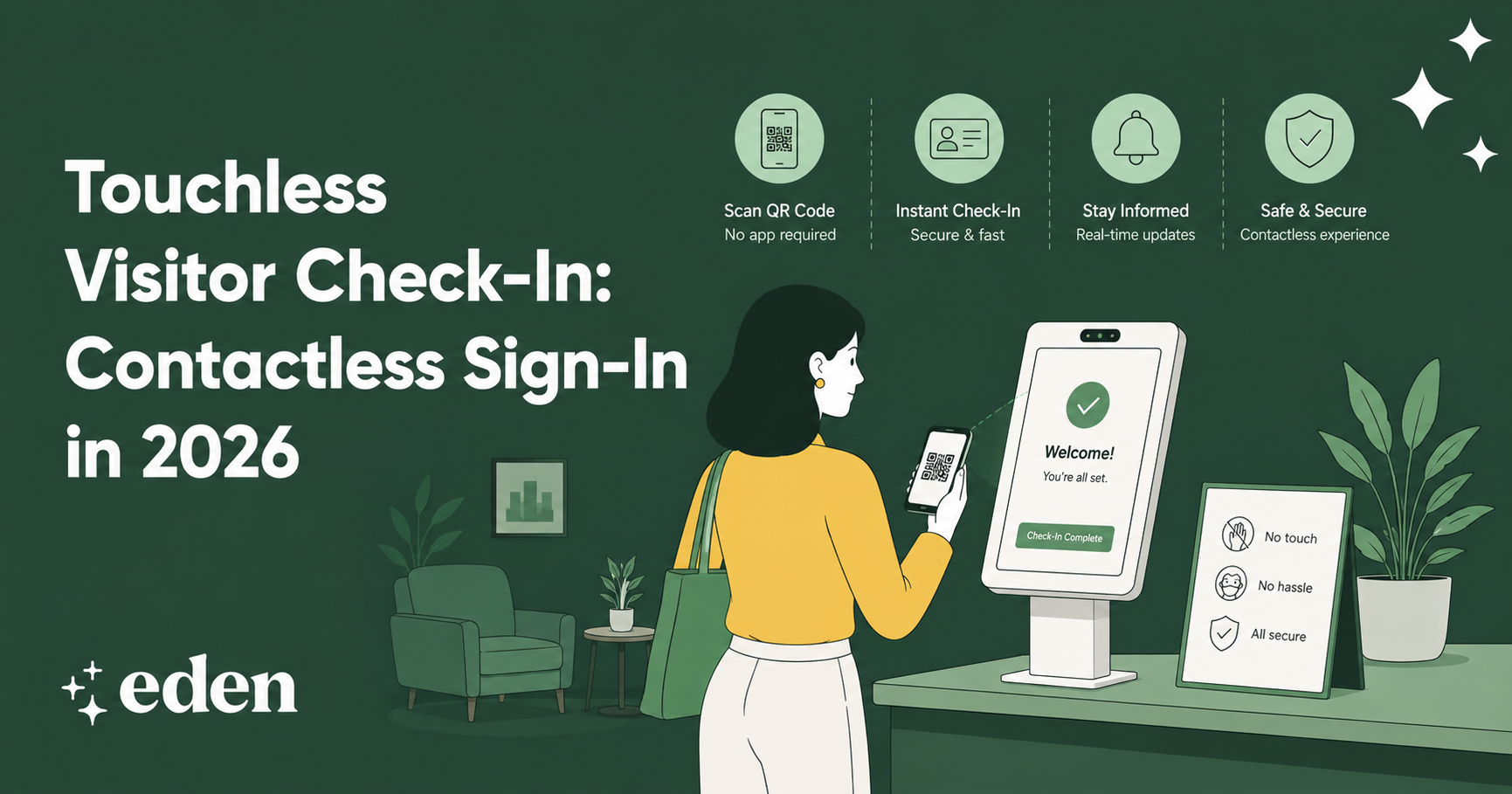
It also changes how the lobby feels. With touchless visitor check-in, a guest signs in from their own phone in a few seconds.
For offices without full-time front desk coverage, a virtual front desk handles greeting visitors, handling notifications, and managing documents while your team stays focused on their work.
Then review the policy once a year, or sooner if you move offices, change your hybrid schedule, or add a location.
FAQs
What Should an Office Visitor Policy Include?
At minimum: the purpose and scope, your visitor types, a pre-registration step, what you collect at check-in, host responsibilities, access limits, any required documents, emergency procedures, and a data retention rule. Keep it to a page or two so people finish reading it.
Do Small Offices Really Need a Visitor Policy?
Yes, and a small office usually needs less of one. A single page covering registration, hosting, badges, and emergencies gives a ten-person team the same clarity a large company gets from a longer document, without adding process nobody has time for.
How Long Should You Keep Visitor Logs?
Long enough to answer questions about who was in the building, and no longer. Many companies take between 30 and 90 days. Check whether your industry, lease, or privacy obligations set a specific requirement before you choose a number.
Should Visitors Sign an NDA?
Only when the visit involves confidential information, which usually means contractors, partners, and some candidate visits. Tie the requirement to the visitor type so the document appears automatically at check-in rather than depending on the host to remember it.
A Lobby That Works for Everyone
An office visitor policy is a small document with an outsized effect. Define your visitor types, register guests in advance, collect only what you need, give hosting real meaning, match badges to access, handle documents at the door, plan for emergencies, and set a retention rule you actually follow. That is the whole job.
When you are ready to put those rules into practice, Eden's visitor management software handles pre-registration, badges, documents, and notifications in one place and connects with the rest of your workplace management platform so the front desk, desks, and meeting rooms all tell the same story.
Sources:
Protecting Personal Information: A Guide for Business | Federal Trade Commission
Physical Security | Cybersecurity and Infrastructure Security Agency
1910.38 Emergency Action Plans | Occupational Safety and Health Administration