Hot Desking Equipment Checklist: What You Need
Key Takeaways
- Hot desking works best when every desk is set up the same way, so no one loses 10 minutes hunting for a monitor cable or a working mouse.
- The right equipment covers four areas: shared tech, ergonomics, storage, and noise control.
- Pairing standardized equipment with desk-booking software gives employees confidence that the desk they reserve will be ready to use.
An employee arrives at the office, chooses an open desk by the window, sets down a laptop, and then realizes there's no monitor cable, the keyboard is missing a few keys, and there's nowhere to store a bag before the first meeting.
These issues have little to do with hot desking as a concept. However, they have everything to do with what is or isn't available at the desk itself. Hot desking only works when every desk is fully equipped for whoever sits down next.
Here's what belongs on that list.
What Makes Hot Desk Equipment Different From a Personal Desk?
A desk that belongs to one person gets personalized over time, including monitor height, chair adjustments, and keyboard capabilities.
A hot desk doesn't get that luxury. It might host three different people in a single day, each with a different height, different habits, and different work to do. The equipment has to do the adjusting, since the person can't.
That's part of why Cornell University's ergonomics program recommends height-adjustable keyboard trays, moveable monitors, and chairs with adjustable armrests for shared workstations. Standardize the equipment, and you standardize the comfort.
The Core Tech Every Hot Desk Needs
Employees shouldn't have to bring a bag full of cables just to get through the day.
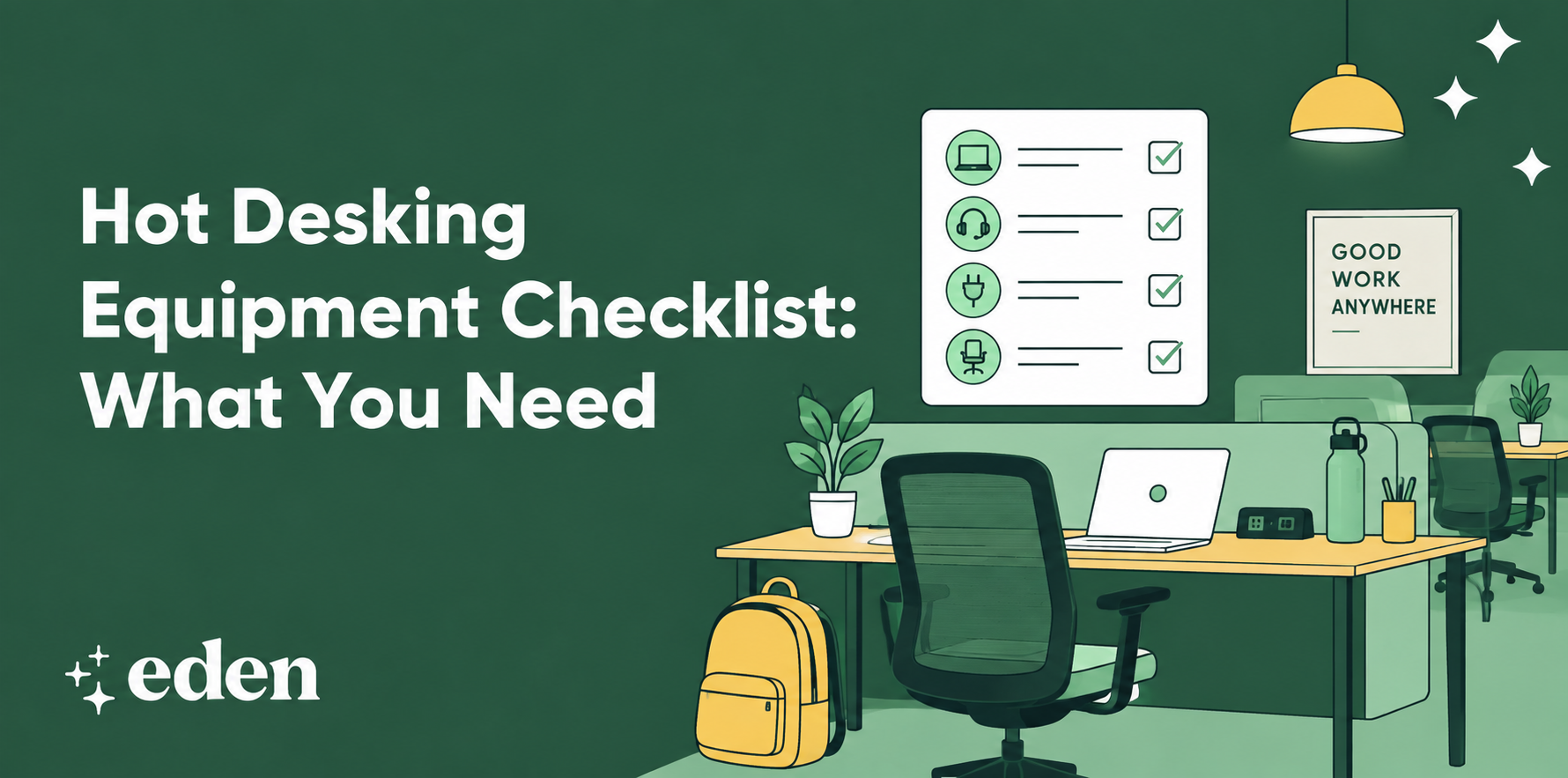
At a minimum, every hot desk should include:
- A universal docking station that connects a laptop to power, a monitor, and a network line in one plug
- A second monitor, ideally on an adjustable arm
- A wired or wireless keyboard and mouse
- A charging cable for common device types
This is also where a desk booking system earns its keep. When employees can see which desks include a second monitor or a standing option before they book, they can stop guessing and start planning their day around a desk that's actually equipped for it.
Comfort and Ergonomics Equipment To Include
Not every ergonomic problem comes down to the chair, but it's a good place to start. Look for adjustable seat height, lumbar support, and armrests that can move out of the way. Add a footrest for shorter employees and a laptop stand or monitor riser to bring screens closer to eye level.
None of this needs to be expensive. It needs to be adjustable and at every desk, not just a few.
OSHA notes that musculoskeletal disorders remain one of the most common workplace injuries employers are expected to address under general workplace safety requirements, which is a strong argument for building ergonomic equipment into the hot desking setup from day one rather than treating it as an upgrade.
Storage and Organization Tools
Without a permanent desk, employees need somewhere to put things that isn't the desk itself. Personal lockers or cubbies solve most of this: a place for a bag, a spare charger, a jacket, or the mug someone doesn't want to carry home every night.
A small rolling cart or bin also helps, especially for employees who split their time between a few departments or projects. Cable management clips keep the desk itself clear, since a tangle of cords is the fastest way to make a shared workstation feel neglected.
Noise and Privacy Tools
Open floor plans and hot desking often go together, which means noise becomes part of the equipment conversation.
Active noise-canceling headphones are worth stocking or subsidizing. Research published in Built Environment found that ANC headphones don’t measurably improve task performance. However, they significantly reduce the perceived annoyance of background speech and improve employees' ratings of the overall acoustic environment. In other words, the headphones may not make someone faster, but they make sitting in the office easier.
Portable privacy screens and a few enclosed phone booths round this out for calls that shouldn't be broadcast to the whole floor.
How Desk Booking Software Ties It All Together
Equipment only solves half the problem. The other half is knowing what's available before you walk in.
Desk booking software lets employees filter for the amenities they actually need, whether that's a second monitor, a standing desk, or proximity to their team. It also gives workplace teams usage data on which equipment is used and which isn't, so the next round of purchases is based on real behavior rather than guesses.
Demand for this kind of software has grown alongside hybrid work itself. SHRM reports that a majority of employees want continued flexibility around where and how they work, and that most workplace decision-makers are actively redesigning their offices to support it. Equipment and booking software are two parts of the same answer.
FAQs
Do Employees Need To Bring Their Own Equipment for Hot Desking?
Ideally, no. The point of a well-equipped hot desk is that employees can sit down with just a laptop and have everything else already there, including a monitor, keyboard, and dock.
What's the Most Important Piece of Hot Desk Equipment?
A universal docking station is a reasonable place to start, since it solves the most common daily friction point: getting connected quickly.
How Many Monitors Should a Hot Desk Have?
One additional monitor is standard for most roles. Some organizations offer dual-monitor desks in specific zones for employees who need more screen space.
Hot Desking Made Easy
A hot desking equipment checklist is about making sure someone can sit down and get to work without having to troubleshoot the furniture first. Tech that connects fast, chairs and monitors that adjust, somewhere to put a bag, and a way to cut the noise: that's the shortlist.
Pair that equipment with a workplace platform that lets employees book the right desk before they arrive, and hot desking stops feeling like a compromise. It starts to feel like the office has finally caught up with how people actually work.
Sources:
Computer Workstation Ergonomics Guidelines | Cornell University Ergonomics Web
Ergonomics - Standards and Enforcement FAQs | Occupational Safety and Health Administration
Do Active Noise-Cancelling Headphones Influence Performance, Stress, or Experience in Office Context? | Frontiers in Built Environment