9 Benefits of a Visitor Management System

Key Takeaways
- A visitor management system replaces paper logs with verified digital records, strengthening security and creating audit-ready documentation for SOC 2, GDPR, and emergency response.
- Pre-registration, kiosk check-in, and automatic host notifications cut lobby wait times, raise first impressions for clients and candidates, and fast-track repeat visitors.
- Integrations with Slack, Teams, access control, and calendaring eliminate front-desk coordination work and reduce reliance on full-time reception staff.
Walk into a modern office lobby, and the front desk often looks different than it did a decade ago. The clipboard with the smudged sign-in sheet is gone. So is the receptionist who used to wave guests through with a Post-it badge. In its place, you’ll now see an iPad, a QR code, and a guest who already knows where they're going.
Visitor management has quietly become a software category in its own right, with measurable returns in security, experience, and operations.
So, what is a visitor management system, and what do offices actually gain by switching?
What Is a Visitor Management System?
A visitor management system, or VMS, is software that handles the full arc of a guest's visit to your office. It lets you pre-register visitors before they arrive, check them in at a kiosk, automatically notify their host, collect signatures on NDAs or waivers, print badges, and keep a searchable log of who was on-site and when.
Some platforms stop there. Others, like Eden's visitor management system, connect to access control, calendaring, and team chat, so the front desk doesn't have to. The result is a workplace where guests move through the lobby without anyone needing to chase down a host or hunt for a sign-in sheet.
What Are the Benefits of a Visitor Management System?
1. Stronger Physical Security and Access Control
A paper log can't verify who's actually in the building. It also can't flag a returning visitor who shouldn't be let back in or issue a temporary badge that expires at the end of the day. A visitor management system can.
Digital check-in creates an enforceable record of every guest, and integrations with access control platforms like Kisi, Brivo, and Verkada let companies issue time-bound passes that grant entry only to the floors and spaces a guest needs. Watchlist screening adds another layer of security for organizations with stricter requirements.
2. Audit-Ready Compliance and Legal Documentation
NDAs, visitor waivers, and health questionnaires can all be signed and timestamped at the kiosk. The records sit in a searchable database with configurable retention policies, ready to pull when a SOC 2 auditor asks who signed what and when.
That matters for more than the audit itself. GDPR governs how visitor data is collected and stored. Industries with HIPAA-adjacent obligations face their own documentation requirements, and a clipboard in a drawer is not a defensible answer to any of them.
3. Real-Time Emergency Preparedness
In a fire, earthquake, active-shooter event, or other office emergency, first responders need to know who's in the building. A paper log doesn't help if it's locked in a desk drawer or burning along with the lobby.
A digital visitor log is accessible from any admin's phone. It can be exported instantly, filtered by location, and cross-referenced with the team's own attendance data to produce a real-time roster of everyone on-site.
4. Faster Check-In, Shorter Lobby Waits
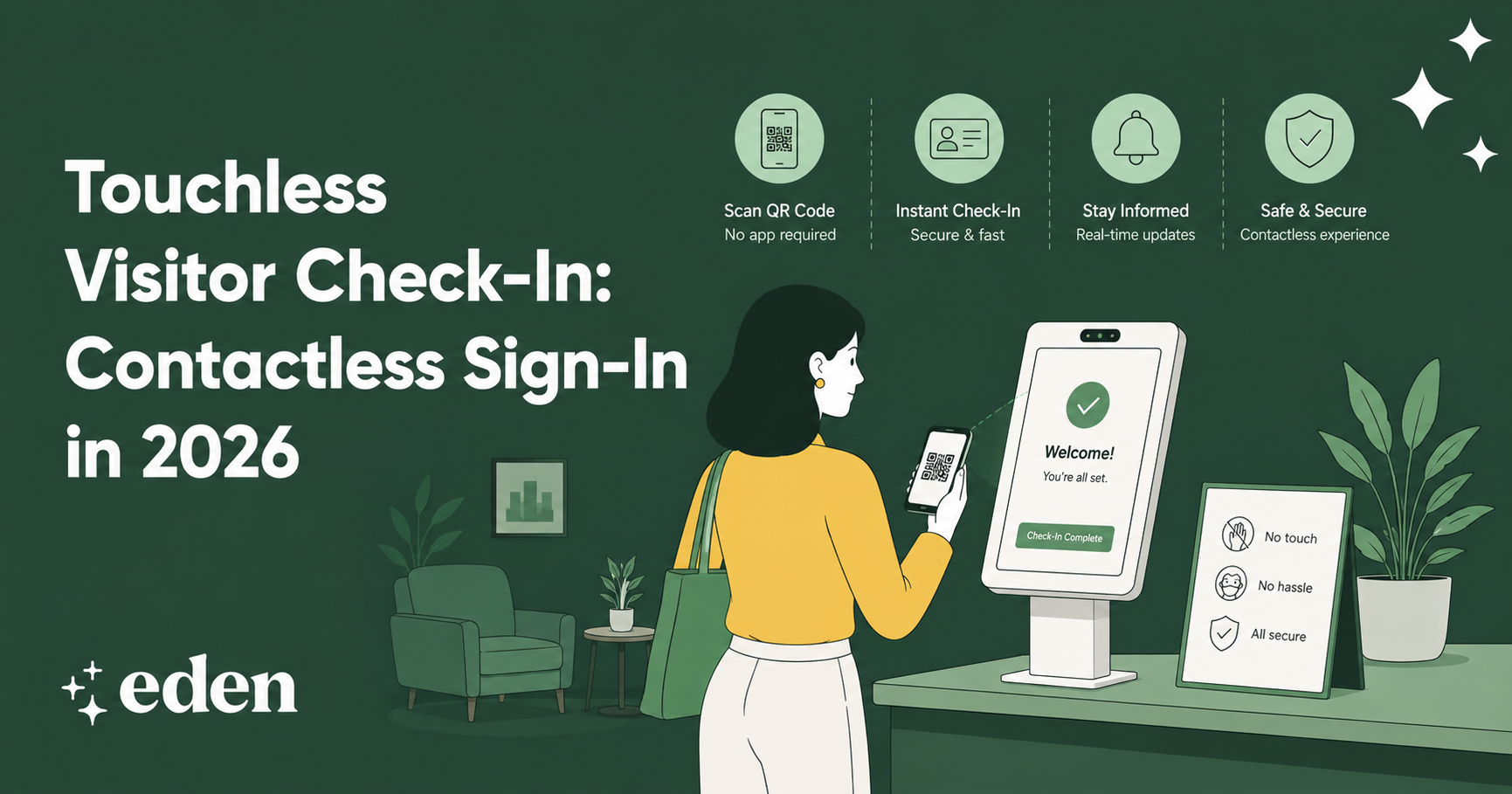
When a guest is pre-registered, they walk in with their name already in the system, sometimes with a QR code attached to their calendar invite. Kiosk check-in takes under a minute. The host gets a notification in Slack, Teams, or email the moment their guest scans in.
Industry reporting suggests that streamlined check-in flows can reduce lobby wait times by more than half compared to manual sign-in. The bigger win is that nobody is standing at the front desk, wondering where to go or who to ask.
For high-traffic offices with frequent interview days, client visits, or vendor mornings, the difference is visible from the moment you walk in.
5. A Better First Impression for Clients, Candidates, and Vendors
The lobby is a brand moment, whether companies treat it like one or not. A stack of Post-its and a half-full Sharpie cup sends a message. So does a sleek kiosk with your logo, a welcome line tailored to the guest, and a printed badge with their photo.
It matters most for the visits that matter most: a candidate arriving for a final-round interview, an enterprise client showing up for a pitch, or a board member walking in for a quarterly. The check-in isn't the whole experience, but it's the opening line of it.
6. Repeat-Visitor Recognition
Some guests come back every week, including cleaning crews, IT contractors, regular clients, and board members. Asking them to re-enter their full details every time can create real friction.
A modern VMS recognizes returning visitors and fast-tracks them through check-in. The system remembers their host, their badge preferences, and any documents they've already signed. The guest gets a smoother experience, and the office gets cleaner data over time.
7. Reduced Front-Desk Staffing Costs
Many hybrid offices no longer keep a full-time receptionist at the front desk. The volume doesn't justify it, and the role has shifted toward office management more broadly.
A visitor management system fills the gap. A self-service kiosk handles routine check-ins during most hours, with team members stepping in only for exceptions or VIP arrivals. The company savings from a visitor management system add up quickly, particularly across multiple locations.
8. Centralized Data for Multi-Location Companies
Running visitor management across five offices with five different processes is how policies drift. One location collects NDAs, another doesn't. One uses a kiosk, another uses a notebook. By the time someone notices, the gaps are everywhere.
A centralized platform fixes that. Standardized questions, consistent signatures, unified reporting, all visible from one dashboard. When a security review or insurance renewal comes around, every location is on the same page. For companies scaling beyond their first headquarters, this is often the moment a VMS pays for itself.
9. Integrations That Eliminate Coordination Work
The real benefit of a visitor management system isn't any single integration. It's that the system stops being a standalone tool and becomes part of the workday.
Slack and Teams handle host notifications. Google Calendar invites auto-create pre-registrations for tomorrow's meetings. SSO through Okta keeps admin access secure. Access control platforms like Kisi, Brivo, and Verkada handle the door.
Each connection removes a small piece of manual coordination, the quiet plumbing of a more collaborative workplace. Multiply that across hundreds of visits a month, and the savings stop being theoretical.
Is Your Office Ready for a Visitor Management System?
If you're still using a paper sign-in sheet, and pages have started to go missing, your office might be ready for a big shift. Similarly, if the front desk gets interrupted multiple times a day by arriving guests who don't know where to go, it’s time for a new solution.
Then there are the bigger flags, such as no one on your team being able to say with confidence who was on-site last Tuesday, or you have a security review, SOC 2 audit, or insurance renewal coming up.
How Eden's Visitor Management System Delivers These Benefits
Eden brings the full stack into one platform. Guests get pre-registered through calendar invites or a self-serve portal before they arrive. At the lobby, they check in at an iPad kiosk with your branding, sign any required NDAs or waivers with timestamped digital signatures, and walk away with a printed photo badge.
The host gets notified the moment a guest scans in, through Slack, Teams, or email. Native integrations with access control, SSO, and calendaring keep the whole flow connected to the rest of the workday.
The result is a front desk that runs itself and frees up your team for everything else. Book a demo to see it in action.
FAQs
What's the Difference Between a Visitor Management System and a Sign-In App?
A sign-in app captures a name at the door. A visitor management system handles the full visit: pre-registration, host notifications, document signing, badge printing, integrations with access control, and audit-ready logs.
How Much Does a Visitor Management System Cost?
Pricing typically ranges from a few hundred dollars per month for single-location plans to enterprise tiers based on the number of locations, integrations, and visitor volume.
Do Small Offices Need Visitor Management Software?
Yes, more often than they expect. Smaller offices still face NDA compliance, security questions, and the first-impression problem.
Does Eden's Visitor Management System Work Without a Receptionist?
It does. The kiosk handles self-service check-in, the host is automatically notified, and any required documents are signed on the iPad before the guest sits down.
Sources:
Summary of the HIPAA Privacy Rule | HHS.gov
Emergency Preparedness and Response | Occupational Safety and Health Administration
What Is SOC 2 Compliance, and Why Is It Important? | University of Tulsa
non-disclosure agreement (NDA) | Wex | US Law | LII / Legal Information Institute